How to Let Your Team Use a USB Diagnostic Scanner from Home
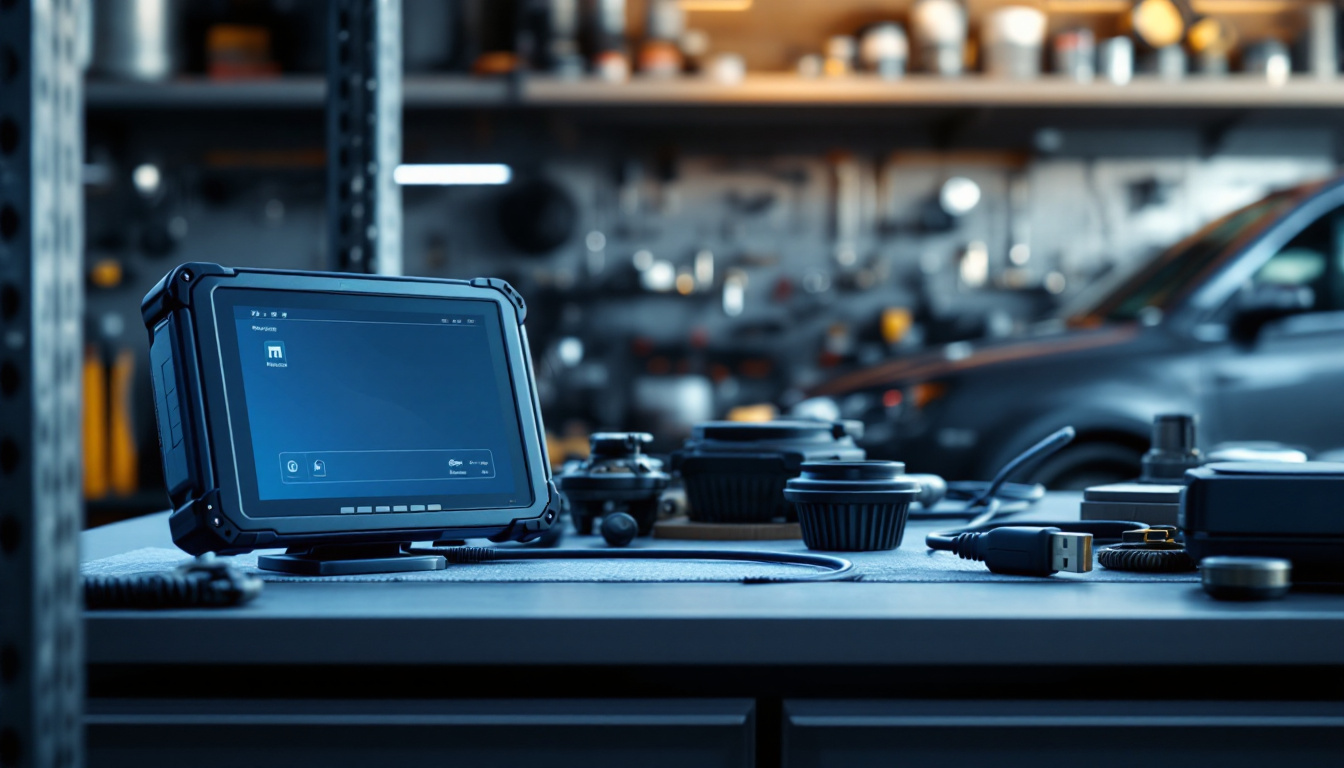
Options for giving remote team members access to a USB diagnostic scanner or programmer that lives at the shop — what works reliably, what to avoid, and how to keep it secure and auditable.
How to Let Your Team Use a USB Diagnostic Scanner from Home
TL;DR
A shop's expensive diagnostic and programming tools spend most of their lives waiting for the one person who knows how to use them to be standing next to them. As of August 2026, the reliable way to break that dependency is the station pattern: dock the tool to an always-on shop PC and let authorized team members drive that PC remotely — screen travels, device stays. The alternative forwarding pattern (USB-over-network so the device appears at the remote machine) is more flexible and meaningfully more fragile. This guide sets up the first properly, explains when the second is worth it, and covers the security floor for either.
The problem, concretely
The scan tool cost five figures. It is used a few hours a day, by whoever happens to be on site, and every diagnostic question that arrives after hours or from a second location turns into either a drive or a "we'll look at it tomorrow." Meanwhile the person best qualified to interpret what the tool says might be at home, at another store, or three states away.
Making the tool remotely usable is not about novelty — it is utilization. The same hardware, serving more questions, without moving.
Pattern 1: the diagnostic station (start here)
Dedicate a machine to the tool. A modest mini PC is enough; what matters is that it is always on, wired to the network, and physically next to where vehicles connect.
Setup:
- Dock the tool permanently. The scanner or interface lives plugged into the station. Cable management is not cosmetic — a connector that gets bumped mid-session is a failure mode.
- Install the tool's software on the station. Licenses, updates, vehicle data subscriptions — one install, one place to maintain. This is the quiet superpower of the pattern.
- Install a remote access agent as a service so the station is reachable without anyone touching it — unattended access, starting at boot.
- Grant per-user access with MFA. Named accounts, not a shared password. The moment more than one person can reach the station, you want to know who did what — session recording and audit logs turn disputes into lookups.
- Keep a human in the loop for vehicle sessions. Someone at the shop plugs the vehicle end in and confirms it is safe to proceed; the remote person does the thinking.
Why it is robust: only screen, keyboard and mouse cross the internet. The timing-sensitive USB conversation between tool and software never leaves the bench. A mediocre home connection that would mangle forwarded USB carries a remote desktop session without drama.
This is precisely the arrangement IgniteRemote ships today — automotive-focused remote desktop with adaptive quality for weak links, recording, approval at the station, MFA, role-based access, and audit logging; the agent runs as a Windows service for the always-on part. Setup from the downloads page, workflows on the use-cases page.
Pattern 2: USB forwarding (when the software must run at home)
Sometimes the software genuinely has to run on the remote person's machine — a license bound to their laptop, a workflow that needs their local environment. Then the device itself must appear at their machine, which means USB-over-network forwarding: an agent at the shop shares the device, the remote OS enumerates it as local hardware, the real driver binds there.
It works — and it moves the fragile part onto the open internet. Device timing now rides on link quality, generic forwarders have no idea what a diagnostic session is, and a silent mid-session drop is your failure mode to discover. Our USB passthrough setup guide walks the mechanics, and the comparison of forwarding tools for automotive shops covers choosing one honestly.
On our own roadmap, plainly: IgniteRemote's USB passthrough is in development — included in the plan when it launches — because forwarding automotive hardware deserves session-aware protection, not a generic pipe.
The security floor (either pattern)
| Requirement | Why it is non-negotiable |
|---|---|
| Encrypted transport (TLS) | Device and session traffic cross the public internet |
| Per-user auth + MFA | A shared password is one departing employee from being public |
| Approval or visibility at the shop | Someone on site should know a session is running |
| Audit logging | A programmer is a vehicle signing device; access should be reconstructable |
| Named-user offboarding | Revoking one person must not mean rotating everyone's credentials |
If a tool you are evaluating cannot meet this table, it is a hobby tool. That is fine for a bench experiment and wrong for shop infrastructure.
Scheduling the tool like the shared resource it is
Remote access does not multiply the hardware. One tool, one session — contention is physics, not software. Practical habits that keep peace: a visible booking convention (even a group chat message), session recordings so the next user can see what state things were left in, and usage logs. If the logs show real queueing, that is the data-backed case for buying a second interface — a better outcome than resenting the sharing setup.
The bottom line
Give the station pattern a week before considering anything fancier: dock the tool, put the software next to it, reach it through authenticated, recorded remote sessions. Most teams discover that is the whole solution — the scanner answers questions at 8 PM from a kitchen table, and nobody drove anywhere. IgniteRemote is one plan — $24.90/month or $249/year (two months free), unlimited computers and technicians — starting with a 7-day free trial — set up one station during the trial and let utilization make the argument. Details on the pricing page.