FlexiHub Alternatives for Automotive Shops: What Actually Works in 2026
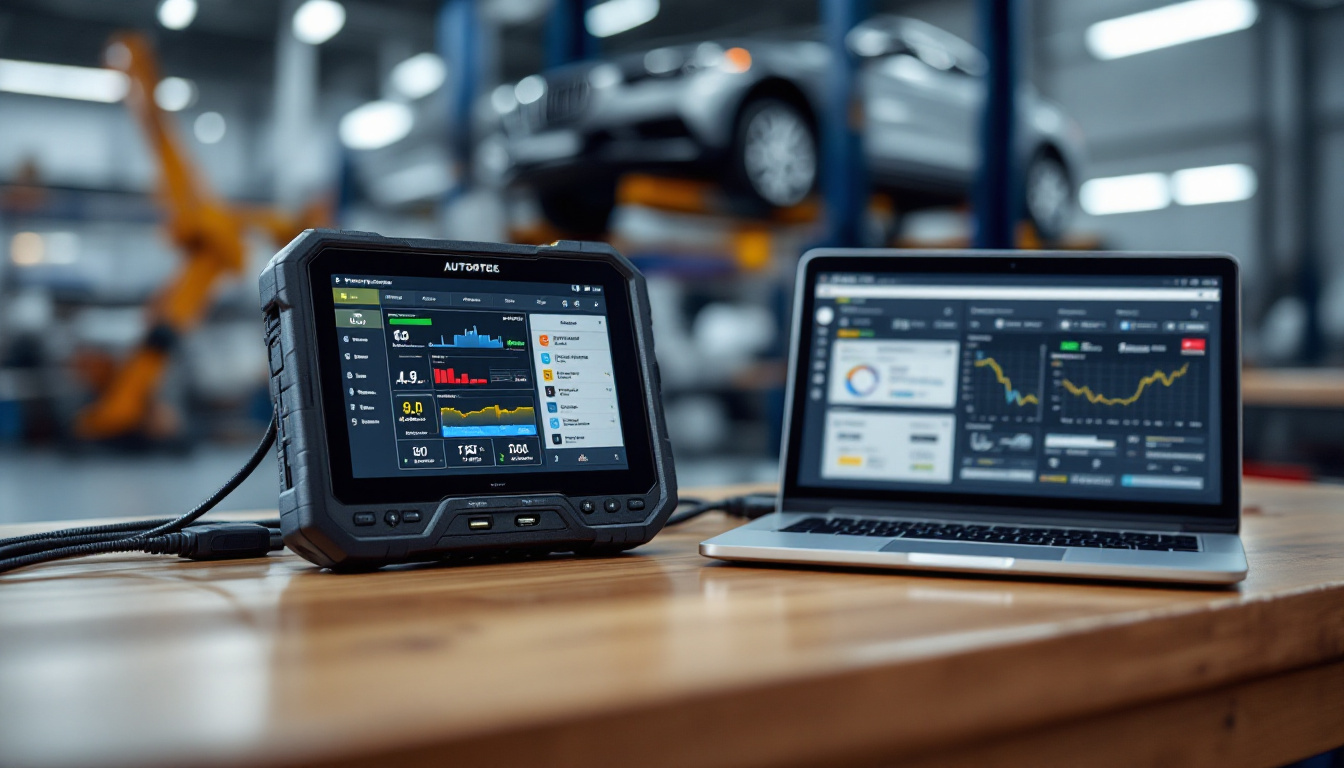
What automotive shops use instead of FlexiHub for USB-over-internet — where generic USB redirection falls short on diagnostic and programming tools, and how to evaluate the options honestly.
FlexiHub Alternatives for Automotive Shops: What Actually Works in 2026
TL;DR
As of August 2026, shops that outgrow FlexiHub-class USB sharing generally land in one of two places: a self-hosted generic redirector (VirtualHere-class) when they just need occasional access to a dongle or storage, or — when the workload is diagnostics and programming — a combination of careful USB forwarding plus a remote-access layer that actually understands automotive sessions. The gap that drives the search is always the same: generic USB redirection treats a J2534 pass-thru interface like any other peripheral, and programming sessions punish that assumption. This guide covers where the generic tools genuinely fit, where they fail, how to evaluate any alternative honestly — and where IgniteRemote fits today versus what we are still building.
Why shops go looking for an alternative
FlexiHub and its class of tools solved a real problem: a USB device plugged in here, needed there. For license dongles, printers, and storage they remain perfectly reasonable. The friction starts when the device on the end of the cable is a diagnostic interface and the session it carries is a programming event.
The complaints that show up repeatedly from shop users are consistent:
- Session drops during long operations. A scan tolerates a reconnect. A module write does not. Tools built for generic peripherals reconnect optimistically and silently — which is exactly the wrong behavior mid-flash.
- No awareness of what a programming session is. Generic redirection forwards packets. It does not know that the next 20 minutes are a write that must not be interrupted, so it cannot protect it.
- Bandwidth contention. When USB forwarding shares a link with screen-sharing video, the video wins and the device data stutters. Timing-sensitive interfaces notice.
- Per-device pricing that scales badly. A shop with a scan tool, two programmers, and a J2534 box hits multi-device pricing fast, without getting any automotive-specific capability for the money.
None of these are defects in the generic tools — they are doing what they were designed for. The mismatch is the workload.
The evaluation that actually settles it
Marketing pages will not settle a comparison; a test plan will. Before moving any billable work onto any tool, run all three of these:
| Test | Pass looks like |
|---|---|
| Device enumeration | Your exact interface appears on the remote machine, drivers bind, and the OEM or aftermarket software sees it as local |
| Real job end-to-end | A complete scan, key program, or flash on a known-good vehicle finishes with no manual intervention |
| Degraded-link behavior | Throttle the hotspot mid-session — the tool pauses, warns, or recovers safely instead of failing silently |
The third test is the one that separates classes of tool. Anything can look good on office Wi-Fi. What matters is what happens on a marginal LTE connection at 5 PM in a parking lot, because that is where remote automotive work actually lives. Our field guide to remote ECU flashing over LTE goes deep on exactly that failure mode.
Where generic tools genuinely fit
Honesty cuts both ways. If your use case is any of the following, a FlexiHub- or VirtualHere-class tool may be all you need:
- Sharing a license dongle between two machines in the same building
- Occasional access to a USB storage device or printer across sites
- Development and testing where a failed session costs time, not a module
The self-hosted options in particular reward technical comfort: if someone in the shop enjoys maintaining port forwarding and TLS certificates, a one-time license is cheap. The hidden cost is that when a session fails during a paying job, the troubleshooting is yours alone.
Where IgniteRemote fits — today, honestly
IgniteRemote is built for automotive remote work, and we would rather tell you exactly what ships today than sell a roadmap as a product.
Available now: a browser-based remote desktop built for automotive sessions — adaptive quality that holds up over LTE and hotspots, session recording, AI-generated training steps from recorded sessions, approval required at the remote computer, TLS encryption, MFA, role-based access, and full audit logging. The agent installs as a Windows service for unattended access and already detects connected USB devices. For a shop supervising remote diagnostics with a tech at the vehicle, this is the working toolset — see the use-cases page for how shops structure it.
In development: USB Passthrough (sharing diagnostic tools and key programmers as if plugged in locally), USB-Only Mode (a video-free data path for flashing over cellular), and the Flash-Safe protections that ship alongside them. These are the pieces this comparison ultimately turns on, and they are not part of the product yet — the USB-Only Mode page and Flash-Safe page describe what is being built and carry the same "in development" label you see here.
Pricing as of August 2026 is deliberately simple: one plan — $24.90/month, or $249/year with two months free — unlimited computers and technicians, everything included, with USB passthrough included when it launches. Current details on the pricing page.
Making the call
- Only sharing dongles and storage? A generic tool is fine today. Self-hosted if you like maintaining infrastructure, subscription if you don't.
- Remote diagnostics with a person at the vehicle? An automotive-focused remote desktop covers this now, and it is the workflow IgniteRemote ships today.
- Unattended remote programming over forwarded USB? Be careful with anyone's marketing, ours included. Generic forwarders can technically do it without session protection; purpose-built protection is what the industry — us included — is still building. Run the three-test evaluation above on whatever you choose, and keep a competent person at the vehicle.
Every IgniteRemote plan starts with a 7-day full-feature trial (credit card required) — the honest way to see whether what ships today fits your operation. Start from the pricing page.