Built Different. Built for Automotive.
Every feature is purpose-built for remote automotive work. Not adapted from generic remote desktop software.
Remote Desktop
Full HD remote control with adaptive quality that adjusts to your connection speed. Supports multi-monitor setups, clipboard sync, and file transfer.
- Adaptive quality (auto, low, medium, high)
- Multi-monitor support
- Clipboard synchronization
- Drag-and-drop file transfer

Remote Diagnostic Tool Sharing
A shop plugs a J2534 pass-thru tool into the vehicle; an expert anywhere works on that car in the diagnostic software they already use. IgniteRemote shows up in Techstream, ODIS, or FDRS as if the tool were plugged into the expert's own bench — nothing new to learn.
- Works with J2534 pass-thru tools — Autel, AEZ Flasher, and similar
- The expert stays in their own software: Toyota Techstream, VW ODIS, Ford FDRS
- Diagnostics run over any connection — direct links are typically 10–40 ms
- Programming is refused automatically above an 80 ms round-trip, so a bad connection can't brick a module
- Every programming decision is recorded
USB Passthrough
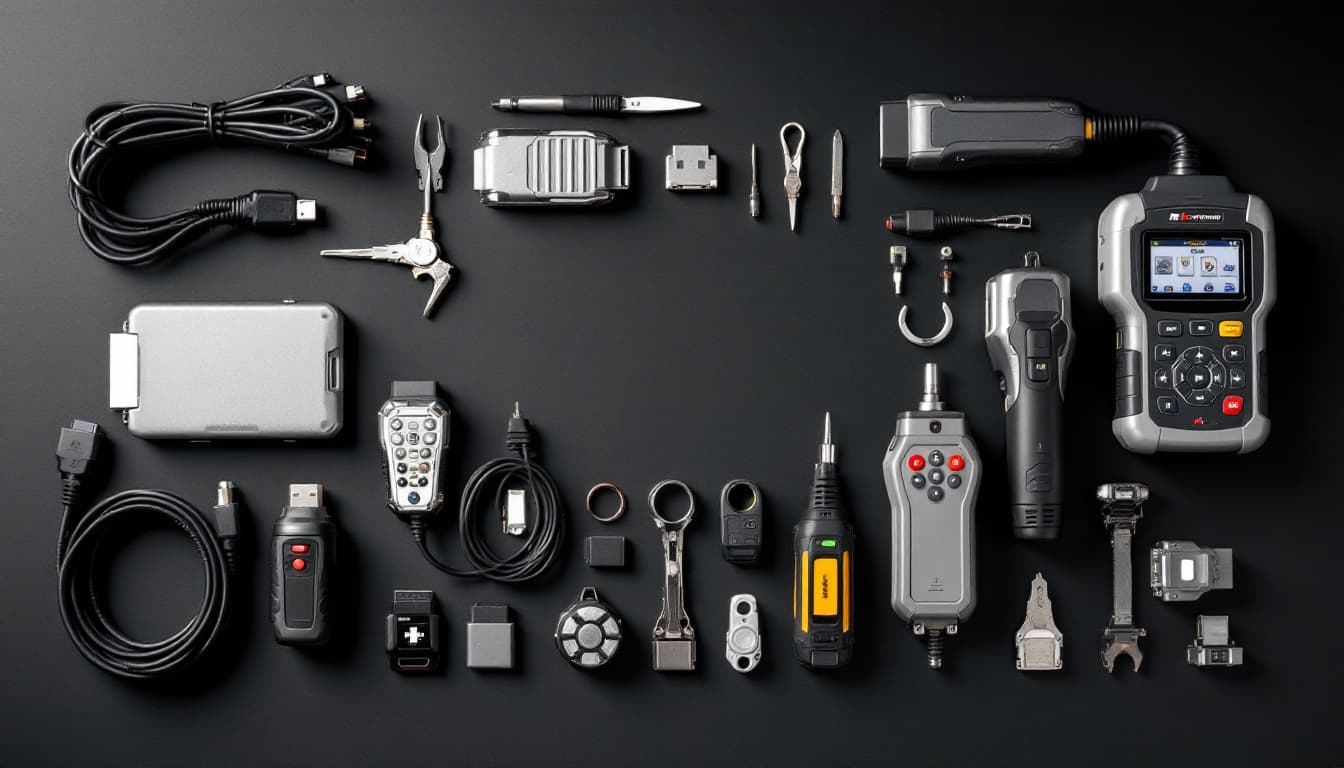
Share USB devices over the network as if they were plugged in locally. Supports HID, serial, and bulk transfer devices including diagnostic tools and key programmers.
- Device-level USB redirection
- Supports HID, serial, and bulk devices
- Compatible with major diagnostic tools
- USB device profiles for optimized performance
USB-Only Mode
Industry-exclusive mode that forwards only USB data with zero video overhead. Designed for ECU flashing and programming over low-bandwidth cellular connections.
- No video stream — USB data only
- Works on 3G/LTE mobile hotspots
- Minimal bandwidth consumption (~40 KB/s)
- Purpose-built for remote flashing
Flash-Safe Protections
Built-in safeguards designed to reduce risk during remote programming operations. Monitors connection health and provides recovery mechanisms.
- Heartbeat monitoring with configurable thresholds
- Automatic pause on connection degradation
- Session recovery after disconnection
- Pre-flash connection quality check
Low Bandwidth Optimization
Engineered for real-world mobile conditions. Every protocol is optimized to work reliably on cellular connections, hotspots, and constrained networks.
- Adaptive bitrate streaming
- Efficient binary protocols
- Connection quality monitoring
- Automatic reconnection

Enterprise Security
Connections are encrypted in transit and every session needs approval at the remote computer. Multi-factor authentication, role-based access control, and audit logging protect your operations.
- TLS-encrypted connections
- Approval required at the remote computer
- Multi-factor authentication (TOTP)
- Role-based access control
- Full session audit logging

Unattended Access
Install the IgniteRemote Agent as a Windows service for always-on remote access. No user interaction required on the remote machine.
- Runs as a Windows service
- Starts at boot automatically
- Password or account-based authentication
- Wake-on-LAN support (coming soon)

Organization Management
Manage teams, devices, and permissions from a centralized dashboard. Invite team members, assign roles, and monitor usage across your organization.
- Team member management
- Device grouping and tagging
- Usage analytics and reporting
- Centralized billing

Device Profiles
Pre-configured USB device profiles optimize performance for specific tools. Community-contributed profiles ensure compatibility with the latest hardware.
- Pre-built profiles for popular tools
- Community-contributed profiles
- Custom profile creation
- Automatic profile matching
Download IgniteRemote for Windows
Install IgniteRemote and start your 7-day full-feature Automotive Pro+ trial. Credit card required.
Windows 10/11 64-bit only. macOS and Linux coming later.