Can You Program a Vehicle ECU Remotely, or Do You Have to Be at the Car?
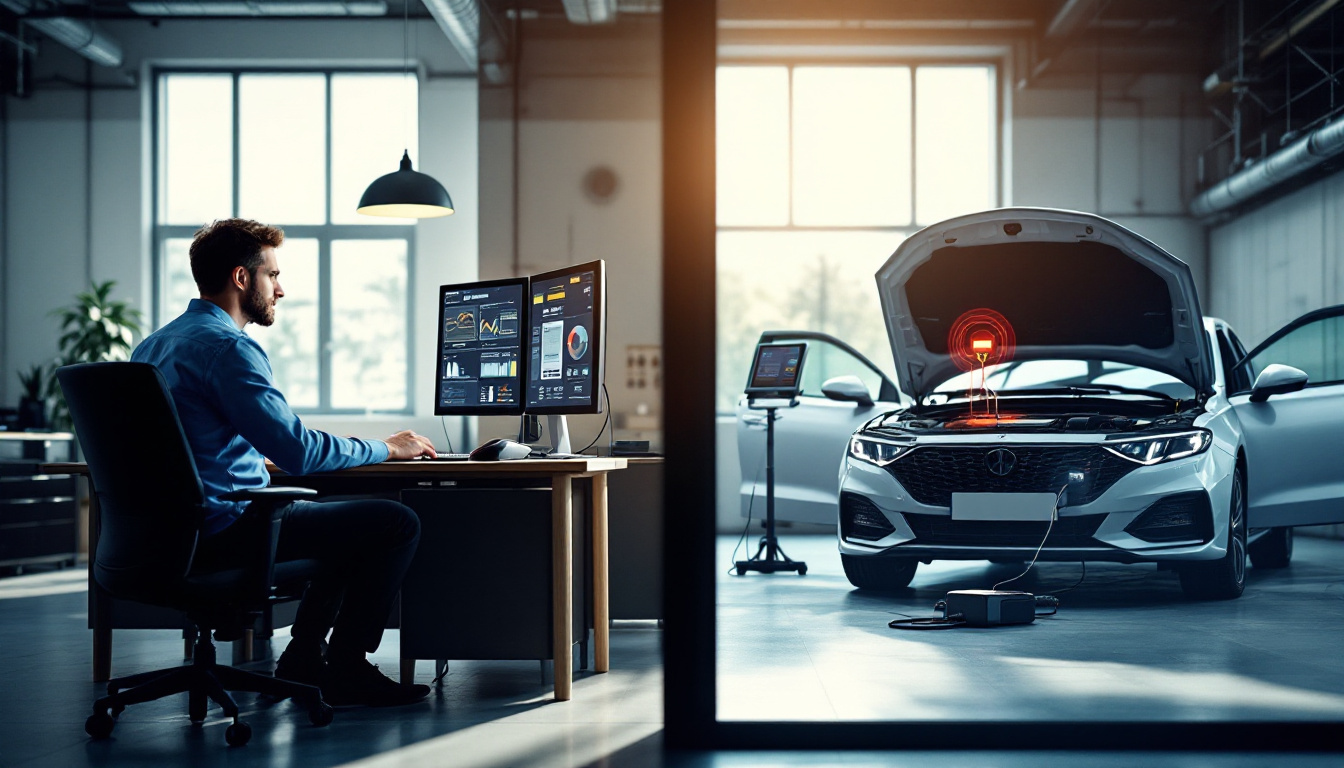
Whether ECU programming can really be done remotely, what the setup requires on the vehicle side, which parts of the job still need a human at the car, and what tools make it possible.
Can You Program a Vehicle ECU Remotely, or Do You Have to Be at the Car?
TL;DR
Yes — remote ECU programming is real, routine, and growing. As of August 2026, the standard architecture is: interface on the car's OBD-II port, a computer beside the vehicle, and a remote session through which the specialist drives the tool from somewhere else entirely. What "remote" does not mean is an empty parking space — a person still connects hardware, keeps voltage stable, and stands ready to intervene. This post walks through what actually happens in a remote programming job, what must be at the car, what can be anywhere, and where the current tooling honestly stands.
Why this question comes up so much
Two forces collide. Vehicles keep gaining software — a modern car runs on the order of a hundred electronic control units — while the specialists who can program them are scarce and unevenly distributed. A dealership tech, mobile locksmith, or module specialist can only drive to so many jobs a day. Remote sessions turn drive time back into bench time: the specialist's skill travels over the wire while the easy part — plugging in a connector — happens on site.
That is the entire economic argument, and it is why the question has shifted from "is this possible?" to "what does the setup look like?"
The split: what must be at the car vs. what can be anywhere
Physically at the vehicle:
- The programming or pass-thru interface, connected to the OBD-II port
- A computer (laptop or a dedicated mini PC) the interface plugs into
- A battery maintainer — voltage sag mid-write is a classic flash killer, remote or not
- An internet connection that is stable, which matters more than fast
- A person who can follow instructions and stop when told
Anywhere on earth:
- The specialist and their expertise
- The OEM or aftermarket programming software session being driven
- Security credentials — with the hard caveat that NASTF VSP requirements and OEM gateway authentication apply identically to remote work; the link moves the person, not the law
Notice what the on-site person is not doing: making programming decisions. That is the point. A shop's least-experienced employee, a partner shop's service writer, even a fleet manager can be the hands, while the specialist does the part that took years to learn.
How the session actually runs
- Pre-flight. The on-site person connects the interface, attaches the battery maintainer, and confirms the connection quality. The specialist verifies they can see and control the vehicle-side machine.
- Identification. VIN, module part numbers, current software levels — read before anything is written, exactly as at the bench.
- The write. The specialist runs the programming software. The cardinal rule is unchanged from bench work: never start a write you cannot finish. Connection quality gets verified before this step, not discovered during it.
- Verification. Post-write checks, fault-code clear, functional test — often the on-site person cycling the ignition or pressing buttons while the specialist watches data.
The failure mode everyone fears — a dropped link mid-write — is managed the same way voltage sag is: preparation and monitoring. Our field guide to remote ECU flashing over LTE covers the cellular-connection case in detail, including why video-heavy screen sharing is the wrong transport for a flash and what a USB-only data path changes.
What tools make this possible
Three layers, and it helps to keep them straight:
| Layer | What it is | Examples of what matters |
|---|---|---|
| Programming layer | The OEM or aftermarket software and the interface | J2534 pass-thru, OEM subscriptions, aftermarket programmers |
| Session layer | How the specialist sees and drives the vehicle-side machine | Latency behavior, connection recovery, session recording, access control |
| Device layer | How the interface's USB stream reaches the software | Local (software runs at the car) or forwarded (USB over network) |
Most remote programming today runs the software on the vehicle-side machine and drives it through the session layer — the simplest arrangement, and the one least sensitive to link quality because the USB traffic never leaves the building. Forwarding the USB stream to the specialist's machine is the more advanced pattern and demands much more from the tooling; our USB passthrough setup guide explains the difference and where generic forwarders fall short.
Where IgniteRemote stands — plainly
IgniteRemote ships the session layer today: a browser-based remote desktop built for automotive work — adaptive quality that holds on LTE and hotspots, session recording with AI-generated training steps, approval required at the remote computer, TLS, MFA, and full audit logging. That is the layer a shop uses to drive vehicle-side programming software right now, and the use-cases page shows the common arrangements.
The device layer — USB Passthrough and the video-free USB-Only Mode, with Flash-Safe session protections — is in development, described honestly as such on the USB-Only Mode and Flash-Safe pages, and included in the plan when they launch.
Pricing as of August 2026: one plan — $24.90/month, or $249/year with two months free — unlimited computers and technicians, starting with a 7-day free trial. Details on the pricing page.
The bottom line
You do not have to be at the car — but someone does, and the someone can be far less specialized than the person driving the session. Get the vehicle-side basics right (interface, maintainer, stable link, competent hands), keep credentials and OEM security requirements exactly as strict as they are at the bench, and remote programming stops being exotic and starts being a service radius decision. Start with the jobs you currently decline for distance; that is where the math is clearest.