IgniteRemote vs AnyDesk for Automotive Shops: Which Fits the Workload?
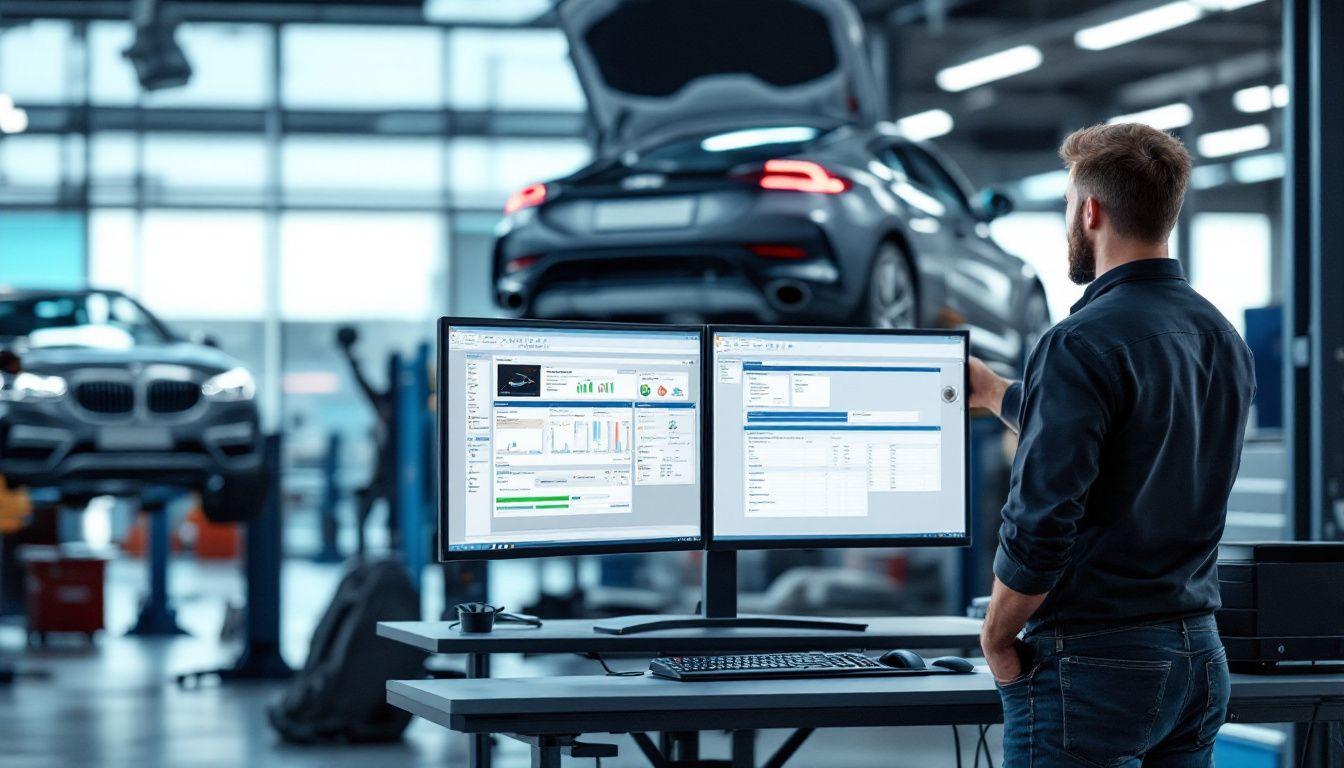
AnyDesk's lightweight speed against IgniteRemote's automotive focus — licensing models, recording and audit defaults, and where each tool honestly wins for a shop.
TL;DR
AnyDesk is one of the best generic remote desktop tools ever shipped: tiny client, famously smooth codec, wide platform support, commercial tiers that meter users and sessions. IgniteRemote is not trying to beat it at being generic — it is a Windows-shop-focused tool where recording, AI training steps, audit logs and approval-at-machine are the defaults on every plan rather than tier features (plans from $9.90/month as of October 2026, sized by computers). This post gives AnyDesk its real due, names the licensing and blocking realities shops hit, and tells you exactly which tool to pick for which situation.
What AnyDesk gets right — and it's a lot
- The feel. AnyDesk's codec was built for low latency and it shows; on a decent connection, sessions feel close to local. For long interactive work that comfort is not cosmetic.
- The footprint. A small client that runs almost anywhere, fast to deploy, undemanding on old shop PCs.
- Platform reach. Windows, macOS, Linux, mobile — controlling and controlled. A mixed office fleet is at home here.
- Track record. Years of production use across millions of endpoints. Edge cases have been met.
If your shop's remote needs are genuinely general-purpose — a Mac at the front desk, an owner on an iPad, the occasional customer PC — AnyDesk is a strong, fair choice at its commercial tier.
The two realities shops discover later
1. The free tier is not for your shop. AnyDesk's free offering is for personal use, and suspected commercial usage on free accounts gets detected and restricted — same pattern as TeamViewer, same mid-job surprise. Once the tool touches paying work, the comparison is commercial-license against commercial-license. We wrote up the whole pattern in free vs paid remote desktop for commercial shop use.
2. Ubiquity attracts blocks. The popular remote clients are the same ones phone scammers talk victims into installing, so some corporate networks, banks and ISPs block or flag them wholesale. Not AnyDesk's fault — a tax on being everywhere. But if your remote sessions ever touch a partner business's machine, a fleet office, or a dealership network, expect the occasional wall. A browser-delivered session with explicit human approval at the machine — the IgniteRemote default — tends to survive cautious IT conversations better than "please install this .exe."
Where IgniteRemote is simply shaped differently
The honest pitch is not "faster than AnyDesk." It is that the defaults encode a shop's actual concerns:
- Sized by computers, not per technician. Solo, Pro and Automotive Pro+ cover 5, 25 or 100 computers at $9.90, $24.90 or $49.90/month; adding the new tech is an operational act, not a licensing event, though each plan caps simultaneous sessions. Against any per-user-tier model, do the arithmetic at your real headcount.
- Every session can be a record. Recording, replay, download — and AI-written training steps generated from any recording, which turns your best tech's session into a document the next hire can follow. The training workflow post shows how shops use this.
- Audit logging included. For stations that touch key programming or module work, "who connected, when, and did what" is not an enterprise upsell — it is table stakes, argued fully in our audit-logging piece.
- Approval at the machine, by default. A programming station should not accept silent inbound control. Someone at the shop says yes.
- Built for the bad connection. Quality presets you can lower for hotspots, LTE and congested shop Wi-Fi — the environments described across our remote diagnostics and latency guides.
And the equally honest limits: Windows agent, young product, small ecosystem, no MFA yet, and generic USB passthrough in development — only the J2534 path ships, and nothing is sold before it exists.
Side by side
| AnyDesk | IgniteRemote | |
|---|---|---|
| Session feel | Excellent, codec-led | Good; quality presets for weak links |
| Platforms controlled | Windows, macOS, Linux, mobile | Windows agent |
| Technician side | Installed client (+ web options) | Browser, nothing to install |
| Licensing | Commercial tiers; metered users/sessions | Plans by computers (5/25/100); sessions capped per plan |
| Price (Oct 2026) | Varies by tier — check their pricing | $9.90–$49.90/mo; tool sharing alone $39.90/mo |
| Recording + AI training steps | Recording by tier; no AI steps | Included |
| Audit logging | By tier | Included |
| Corporate-network friction | Sometimes blocked as a class | Browser + approval eases it |
| USB forwarding for tools | No | J2534 tool sharing live; generic USB in development |
| Maturity | Years, huge install base | Young — stated plainly |
We deliberately print no AnyDesk prices: tiers and terms change, and a comparison that ages into misinformation is worse than none. Check their pricing page; ours is here.
The decision, compressed
- Mixed platforms, general IT, latency-first? AnyDesk, at its commercial tier, with no hard feelings.
- Windows diagnostic and programming stations, team growing, records mattering? That is the workload IgniteRemote was drawn around. Set up one station per the station guide during the 7-day free trial and run the same real job through both tools in the same week.
- Either way — pay for whichever you choose. The free-tier-in-a-shop pattern always ends the same way, at the least convenient possible moment.
Frequently asked questions
Is AnyDesk or IgniteRemote better for an auto shop?
AnyDesk's strengths are being lightweight, fast, and broadly cross-platform — an excellent generic screwdriver. IgniteRemote trades breadth for shop-shaped defaults: session recording with AI training steps, audit logging, approval at the machine, plans sized by computers rather than per technician, J2534 tool sharing, and a browser-based technician side. If your remote work is general and cross-platform, AnyDesk serves it well; if it is Windows diagnostic and programming stations, the focused tool fits closer.
Isn't AnyDesk free?
For personal, non-commercial use. Commercial use requires a paid license, sold in tiers that meter users and concurrent sessions, and AnyDesk — like TeamViewer — detects suspected commercial usage on free accounts. The honest comparison for a shop is their commercial tier versus IgniteRemote's remote-access plans — $9.90, $24.90 or $49.90/month for up to 5, 25 or 100 computers as of October 2026.
Why do some company networks block AnyDesk?
Because widely distributed remote tools are also widely abused by phone-scam operations, some IT departments and even ISPs block or flag the popular clients wholesale. That is not AnyDesk's fault — it is a side effect of ubiquity — but if your shop supports customers or partner businesses, it is worth knowing a session request may hit a corporate block. A browser-based session with explicit approval at the machine tends to have an easier conversation with cautious IT.
Does AnyDesk or IgniteRemote handle USB passthrough for diagnostic tools?
AnyDesk does not ship true USB forwarding for automotive interfaces. IgniteRemote now shares J2534 pass-thru interfaces — tool sharing is live, in Automotive Pro+ or on its own as Tool Sharing — while generic USB passthrough for other devices is in development, labeled so on our site, and not sold on any plan. For anything that is not a J2534 interface, both tools serve programming work the same correct way: the vendor software runs on the vehicle-side PC and you drive that PC remotely.
What does IgniteRemote include that AnyDesk charges tiers for?
Recording with AI-generated training steps, session audit logging, team accounts and roles — included in every remote-access plan rather than distributed across license tiers. AnyDesk's model is a capable core with capabilities metered by tier; ours is the same feature set at every size, with plans that differ by computers and simultaneous sessions, and J2534 tool sharing in Automotive Pro+.
What does AnyDesk clearly do better?
Latency feel and footprint — its codec and lightweight client are genuinely excellent, and it covers macOS, Linux, iOS and Android. It also has years more production hardening. If raw session smoothness across many platforms is your first criterion, AnyDesk earns its reputation.